01 / ALL IN ONE PLACE
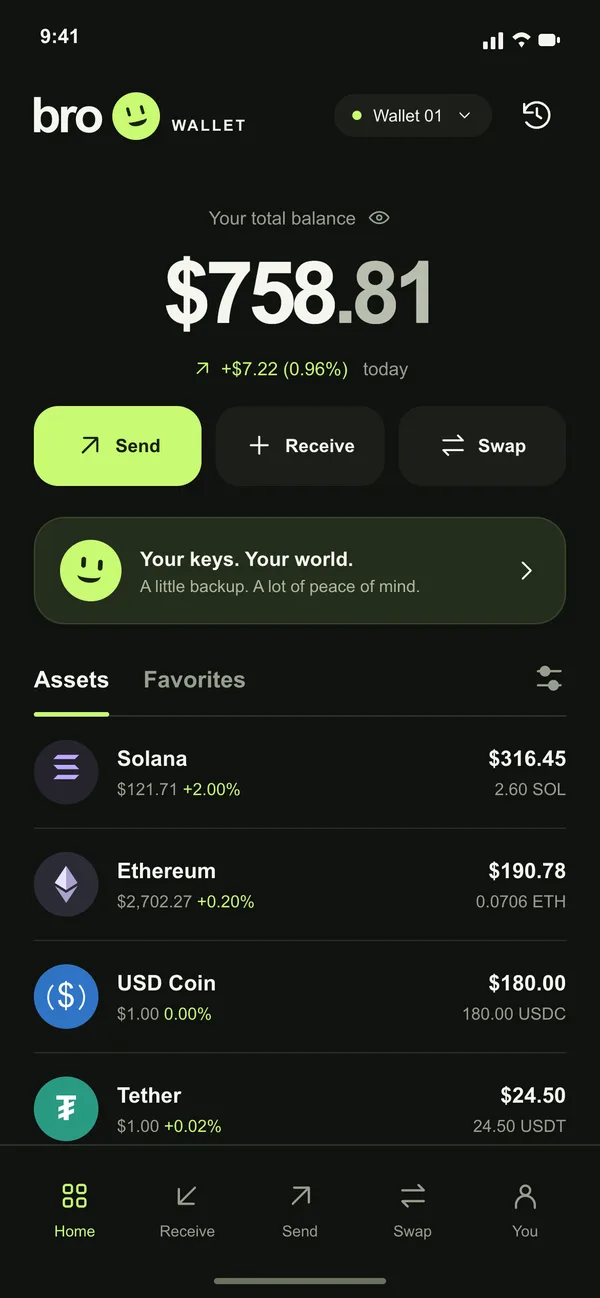
Every coin, every network, one balance
See what you hold across networks in one list. Keep favorites on their own tab, hide small balances, pull down to refresh.
 broWALLETGet the app
A friendlier place for your crypto. Send, receive and swap across twelve networks. Your keys stay on your phone, and every move is yours to approve.
Coming to Google Play · Android only · English and 13 more languages
SUPPORTED NETWORKS
 Ethereum
 Arbitrum
 Base
Base Optimism
 BNB Chain
 Robinhood Chain
 Polygon
 Avalanche
 Solana
 Bitcoin
 TRON
TRON TON
TONWHY BRO
Screens below use sample data.
01 / ALL IN ONE PLACE
See what you hold across networks in one list. Keep favorites on their own tab, hide small balances, pull down to refresh.
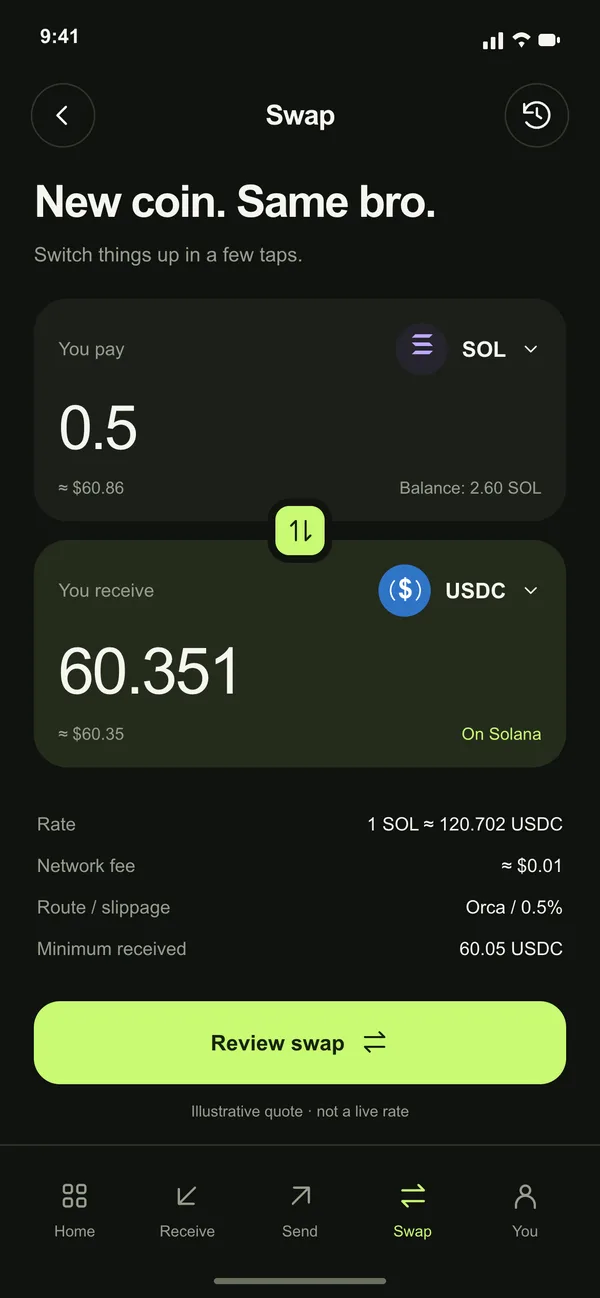
02 / SWAPS AND BRIDGES
Trade on one network or bridge across EVM networks and Solana in a single flow. You see the rate, the fees and the minimum you receive before you confirm.
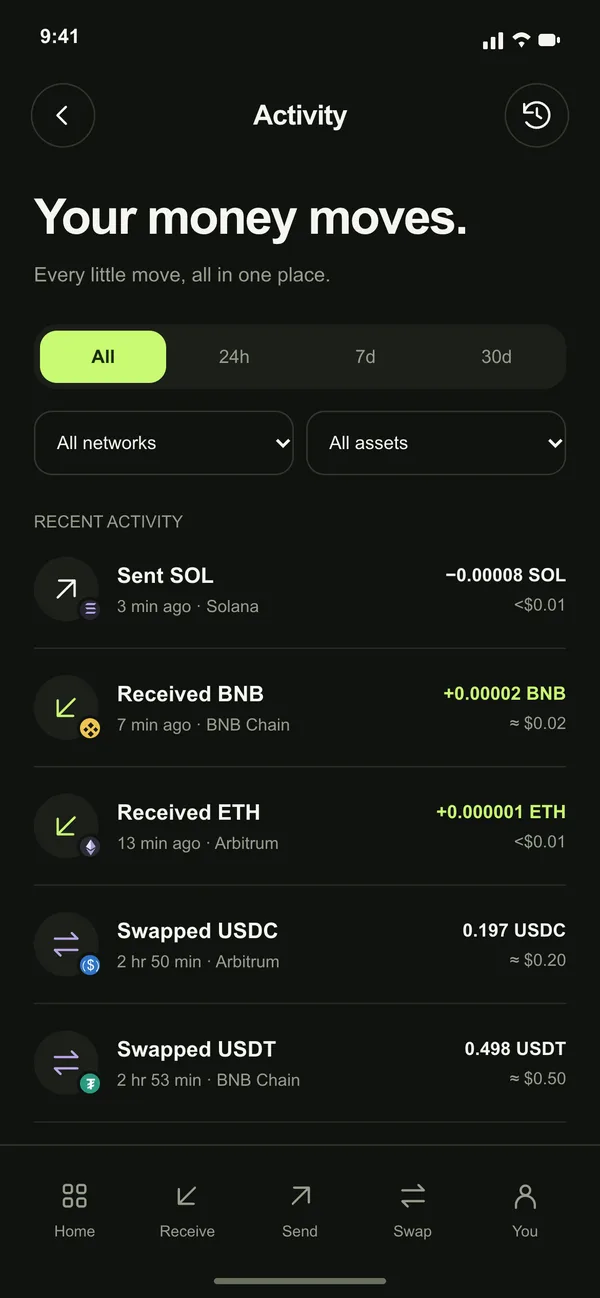
03 / ACTIVITY
Filter by period, network or token. Open any transaction to check it on the explorer, then send or swap again in a tap.
04 / RECEIVE AND SCAN
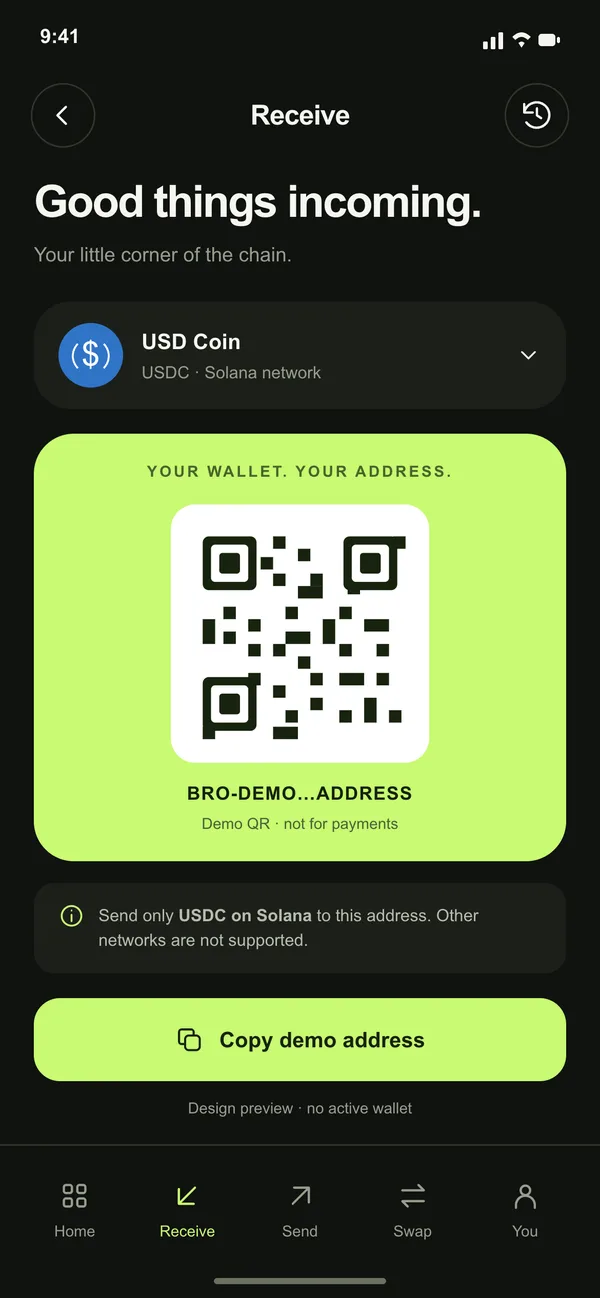
Show your address as a QR code for the right network. Scan someone else's to fill in a send.
05 / KEEP IT SAFE
Your recovery phrase and keys are created and kept on your phone. Fingerprint or screen lock guards the app, every send, every swap and every dapp signature.
06 / HEADS-UP
Notifications when funds arrive or leave, and an optional alert when a new token lands in your wallet.
07 / CONNECT
Paste a link or scan a QR to connect a site. You approve each connection and each signature on your phone, and you can disconnect any time.
08 / YOUR LANGUAGE
Bro follows your phone's language, or you pick one yourself. Prices show in the currency you choose.
SUPPORTED NETWORKS
EVM FAMILY · ONE ADDRESS
EthereumArbitrumBaseOptimismBNB ChainRobinhood ChainPolygonAvalancheSend, receive, swap tokens and bridge between networks in one flow.
SOLANA
SolanaSend, receive and swap SOL and SPL tokens. Bridge to and from the EVM networks.
HOLD, SEND, RECEIVE
BitcoinTRONTONHold, receive and send, including USDT on TRON and TON tokens.
ASK YOUR BRO
Bro: You do. They're made and kept on your phone. I never see them.Bro: Nope. Only you can move them.Bro: Then nobody can restore it, me included. Write it down, keep it offline.No. Bro Wallet is non-custodial. Your keys are created and stored on your phone, and you approve every transaction there.
Install Bro Wallet on a new phone and import your wallet with its recovery phrase. Without the phrase nobody can restore it, so back it up as soon as you create a wallet.
Ethereum, Arbitrum, Base, Optimism, BNB Chain, Robinhood Chain, Polygon and Avalanche (one EVM address), plus Solana, Bitcoin, TRON and TON. Swaps and bridges work across the EVM networks and Solana.
You can swap well-known tokens and also tokens that no one has verified. Anyone can create a token, so an unverified one can be worthless, impossible to sell or a scam. Check the contract before you buy, and only trade what you can afford to lose.
In the app: Your space, then Delete my data. Without the app, use the data deletion page. No email needed.
GET THE APP
Android only for now. Questions before then? Visit support.